Every small business owner knows the feeling: the actual work — serving customers, doing the trade, making the product — gets squeezed between admin tasks that eat the day. Answering the same questions, chasing invoices, following up enquiries, asking for reviews, juggling bookings. None of it earns you money directly, but all of it has to be done.
AI automation isn’t about replacing people. For a small business, it’s about getting the repetitive work done in the background so your hours go where they matter. And you don’t need an enterprise budget to start — many of the most effective automations are simple setups that run quietly once configured.
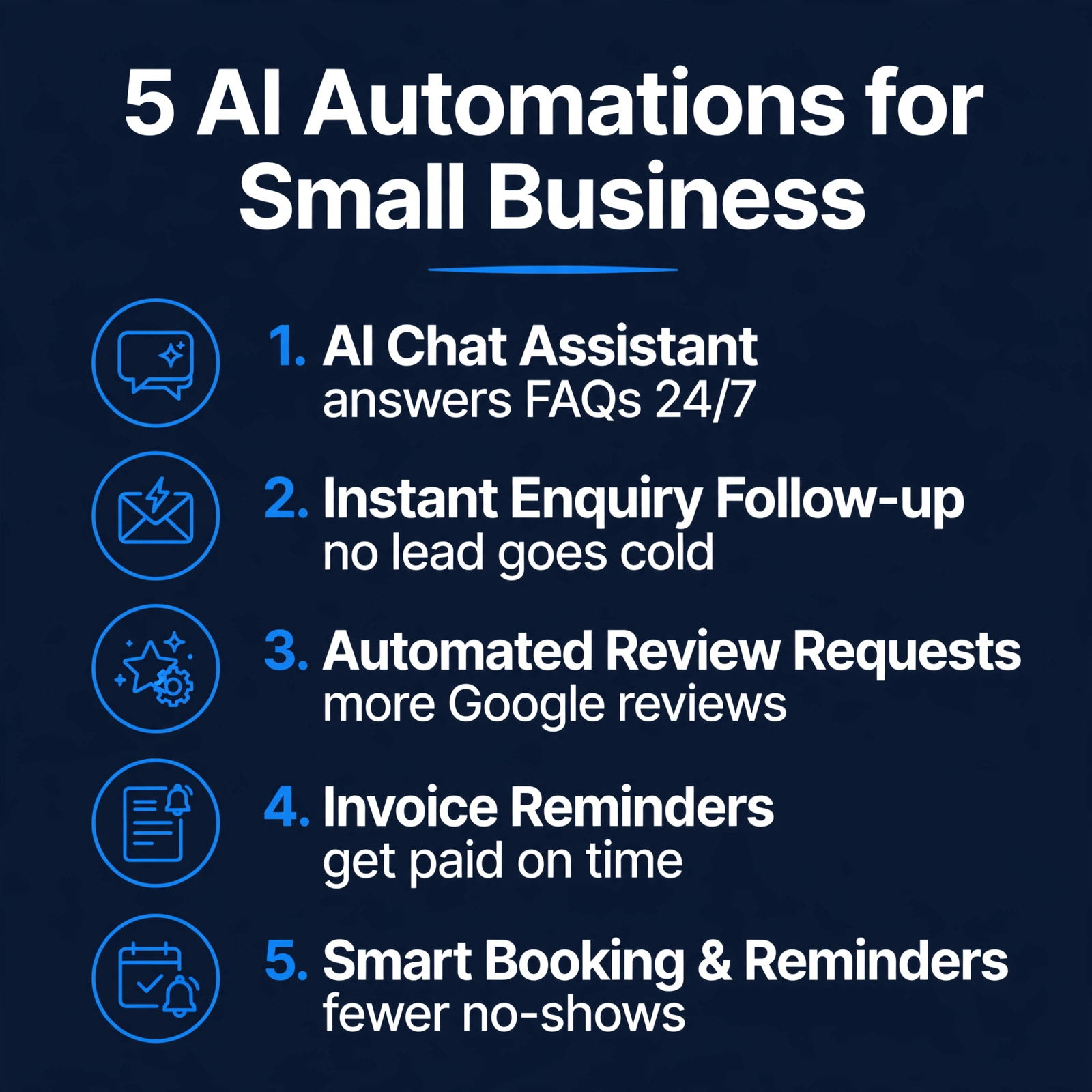
Here are five automations that genuinely save small businesses time every week.
1. An AI Chat Assistant That Answers Questions and Captures Enquiries 24/7
The questions customers ask are remarkably repetitive: opening hours, prices, whether you cover their area, how to book. An AI chat assistant on your website answers these instantly — including at 10pm on a Sunday when you’re not checking your phone.
The point isn’t to replace human conversation. It’s to make sure a visitor with a simple question gets an answer immediately instead of bouncing to a competitor, and that a visitor with a real enquiry leaves their details for you to follow up in the morning.
A good setup escalates: routine questions get answered, anything complex or high-value gets passed to you with the context captured.

2. Instant Enquiry Follow-Up — So No Lead Goes Cold
Enquiries that sit unanswered lose their urgency fast. A potential customer who fills in your contact form on Friday evening and hears nothing until Monday has had the whole weekend to find someone else.
An automated follow-up sends an instant acknowledgement — “Thanks, we’ve got your message, we’ll reply by [time]” — and can create a task or calendar reminder so the enquiry is chased properly. It buys you time without making the customer wait.
This one automation protects the value of every other marketing effort you make. There’s no point paying for traffic or SEO if enquiries die in an inbox.
3. Automated Review Requests After Every Job
Reviews are gold for local businesses — they influence Google rankings and customer trust — but almost nobody asks for them consistently. You’re busy finishing the job; asking for a review slips your mind; a month later the customer has forgotten the details.
Automation fixes the follow-through: when a job is marked complete (or a few days after an invoice is paid), the customer automatically gets a polite message with a direct link to your Google review page. You set it up once; reviews accumulate steadily.
One caution: never automate fake reviews or incentivise them in ways that break Google’s rules. Ask honestly, make it easy, and let genuine customers speak.
4. Invoice Reminders That Chase Payment Politely
Late payments are a cash-flow killer for small businesses — and chasing them is awkward, time-consuming work that owners put off. Automated invoice reminders take the emotion out of it: a friendly nudge a few days before the due date, another shortly after, escalating in firmness, all sent automatically.
Pair this with clear payment terms on every invoice (what’s due, when, and what happens if it’s late), and most late payers pay up after the first or second automated reminder — no awkward phone calls needed.
This is one of the highest-ROI automations there is: it costs almost nothing to run and directly improves the money coming in.

5. Smart Booking and Appointment Reminders
If your business runs on appointments — consultations, call-outs, lessons, treatments — missed appointments are pure lost income. Automated booking lets customers choose a slot themselves (even outside your working hours), and automated reminders the day before cut no-shows dramatically.
The best setups also handle rescheduling: instead of a phone tag exchange, the customer clicks a link and picks a new time. Your calendar stays full with a fraction of the admin.
How to Start Without Getting Overwhelmed
Five automations at once is too much. Start with the one that hurts most:
- Pick your biggest time-drain. If enquiries go unanswered, start with the chat assistant or instant follow-up. If cash flow is the pain, start with invoice reminders.
- Start simple, then refine. A basic version running this week beats a perfect version planned for next quarter. You can improve the wording and logic once it’s live.
- Keep a human in the loop. Automation handles the routine; you handle the exceptions. The goal is fewer repetitive tasks, not zero oversight.
- Measure what changed. Are you answering enquiries faster? Getting more reviews? Fewer no-shows? If an automation isn’t earning its keep, switch it off and try the next one.
One more honest note: automation works best on top of solid foundations. An AI chat assistant can’t fix a website that confuses visitors, and automated follow-up can’t save enquiries your site never captures. Get the basics right first — then automate.
Frequently Asked Questions
Is AI automation expensive for a small business?
Not necessarily. Many automations use tools you may already pay for, or affordable dedicated services. The real cost is the setup time — getting the wording, timing and logic right. Once running, most cost very little month to month.
Will automation make my business feel impersonal?
Only if it’s done badly. Good automation is invisible: the customer gets a faster answer, a smoother booking, a polite reminder. It feels like good service, because it is good service. Keep the tone human and always offer a way to reach a real person.
Do I need technical skills to set these up?
For basic versions, no — many tools are designed for non-technical users. For anything touching your website’s code or connecting multiple systems, it’s worth getting help so it’s done properly the first time.
Which automation should I start with?
The one tied to your biggest pain: lost enquiries (chat assistant + instant follow-up), cash flow (invoice reminders), reputation (review requests), or diary chaos (smart booking). Start with one, get it working, then add the next.
Can automation replace my receptionist or admin staff?
It replaces repetitive tasks, not people. Your staff spend less time on routine admin and more on the work that actually needs a human — the judgement calls, the relationships, the tricky problems.
Reclaim Your Week
None of these automations is magic. They’re just the repetitive parts of running a business, handled consistently, without you having to remember them. Add them up and the hours come back — hours you can spend on customers, on growth, or simply on finishing the day on time.
If you’d like help figuring out which automation fits your business first — or whether your website is ready to support them — book a free 15-minute website audit. We’ll look at how enquiries, bookings and follow-ups work on your site today and give you a straight answer on what to automate first, and what it would cost as a firm fixed price.


