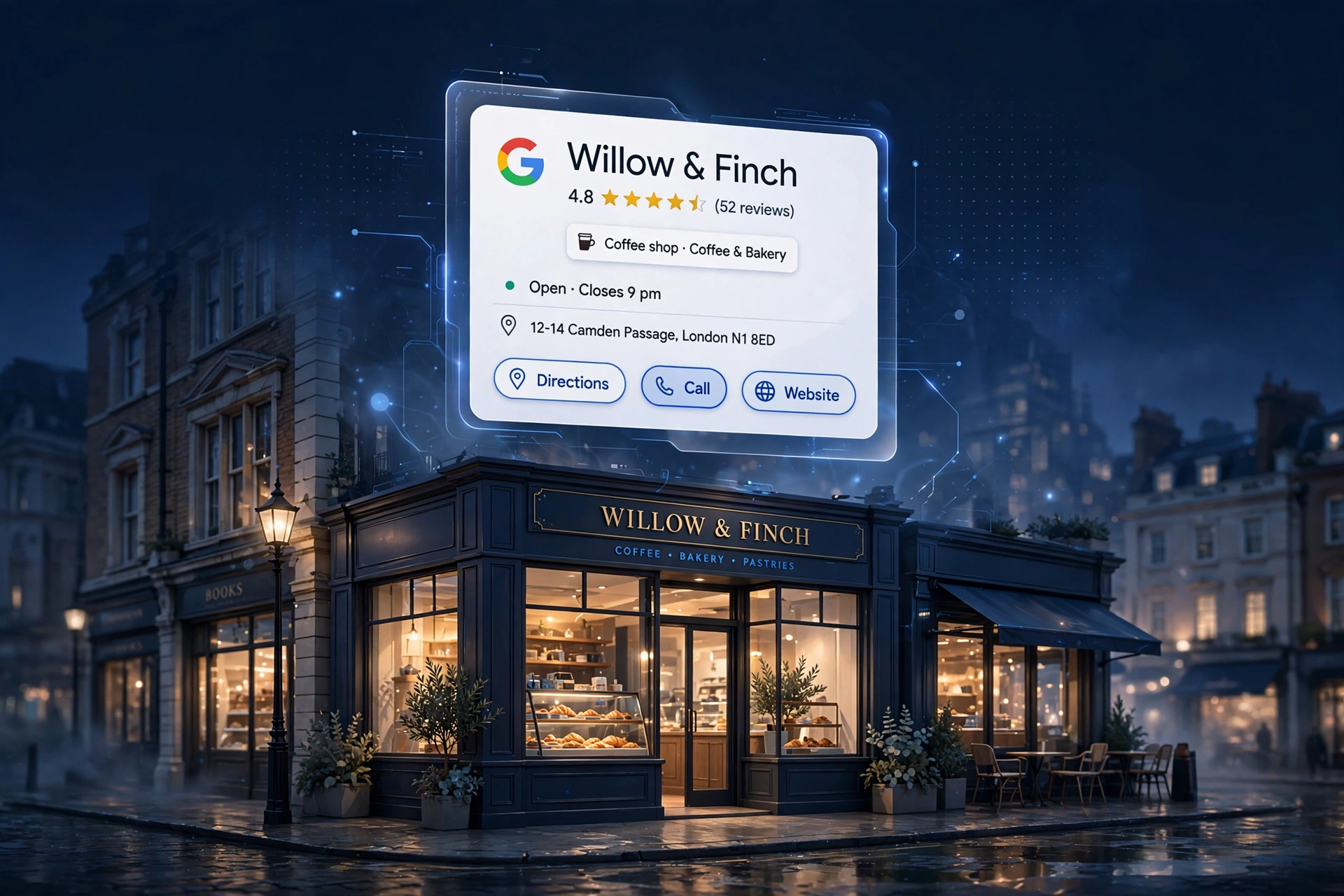
Google Business Profile for Small Business: The 2026 Setup Guide
When a customer near you searches “plumber near me” or “café in Leeds”, what appears first is not a list of websites — it is a map with three businesses on it. That little map pack comes straight from Google Business Profile (the free listing Google gives every business), and it is the single most valuable piece of online real estate a small business can own.
It costs nothing, takes an afternoon to set up, and it puts you in front of customers who are ready to buy today. This guide walks you through setting up and optimising your Google Business Profile in 2026, step by step.
What Is Google Business Profile?
Google Business Profile is the free business listing that appears on Google Search and Google Maps. It shows your business name, address, phone number, opening hours, reviews, photos and posts — everything a customer needs to decide to contact you.
Think of it as your shop window on Google. When someone searches for what you do in your area, your profile is what they see before they ever visit your website. For many small businesses, the profile gets more views than the website itself — which is exactly why it deserves proper attention.
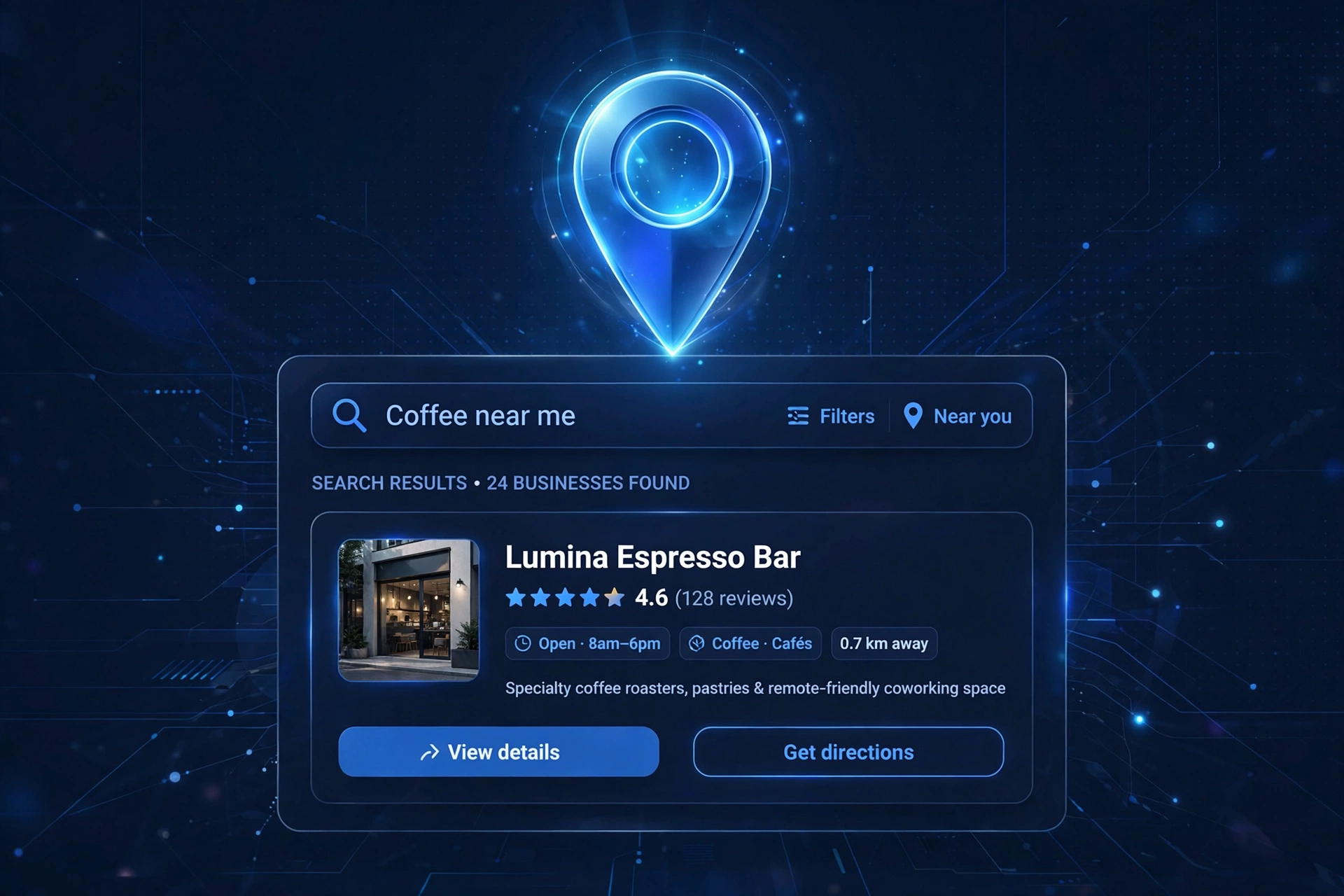
“It is the single most valuable piece of online real estate a small business can own — and it costs nothing.”
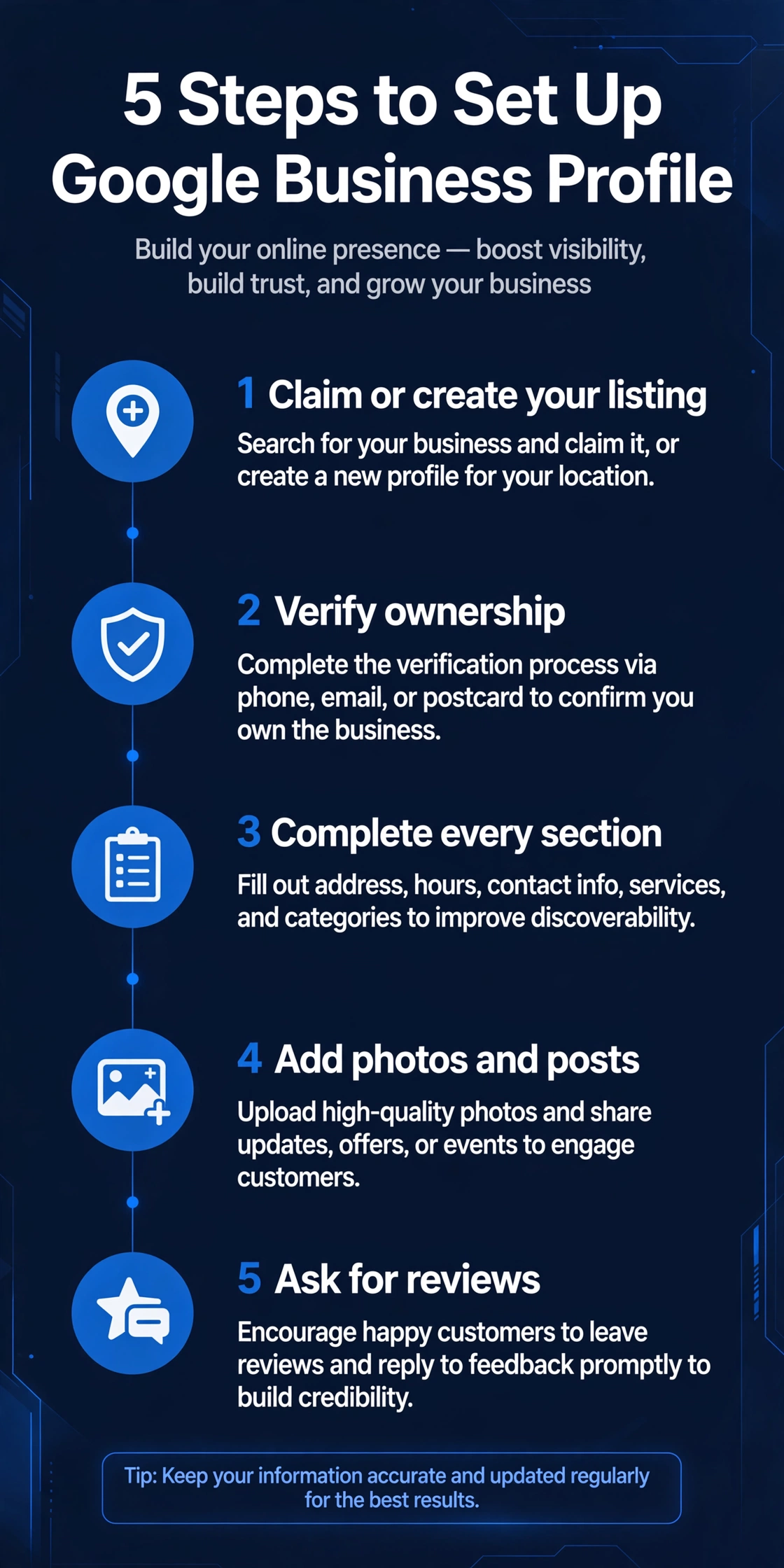
Claim or Create Your Listing
Start at google.com/business and sign in with a Google account you control — ideally one the business owns, not a personal Gmail that you might lose access to one day.
Search for your business name. If it already exists (Google often creates listings automatically from public information), click “Claim this business”. If nothing appears, click “Add your business” and create it from scratch.
Enter your details carefully:
- Business name — use your real trading name, exactly as it appears on your shopfront, invoices and website. Do not stuff keywords into the name (Google penalises this).
- Category — pick the one primary category that describes what you do best. A bakery should choose “Bakery”, not “Café”, even if it serves coffee.
- Address — enter your real address. If you visit customers at their homes (plumbers, cleaners, tutors) rather than receiving them at yours, you can hide the address and set a service area instead.
- Phone and website — add both. A missing phone number or website link is a small thing that quietly costs enquiries.
Verify Ownership
Google will not show your listing properly until you prove you own the business. Verification methods vary, but the most common in 2026 are:
- Video verification — recording a short video showing your business location, signage and equipment. This is now the default for most UK businesses.
- Postcard by mail — Google posts a card with a code to your business address, usually arriving within a week or two.
- Phone or email verification — available for some business types.
However Google asks you to verify, do it promptly. An unverified listing sits in limbo: half-visible, easy to distrust.
Complete Every Section
A half-empty profile looks like a half-open shop. Google favours complete listings, and customers trust them more. Fill in everything:
- Opening hours, including special hours for bank holidays. Wrong hours are one of the most common customer complaints — and one of the easiest to fix.
- Services — list what you actually offer, with brief descriptions.
- Products — if you sell things, add your main products with photos and prices.
- Attributes — details like “wheelchair accessible”, “women-led”, or “outdoor seating”. These help you appear in filtered searches.
- Business description — a short, plain-language paragraph about who you are and what you do. Write it for customers, not for algorithms.
- Booking links — if you take appointments, link your booking system directly.
Check this section every few months. Businesses change — hours shift, services get added — and a stale profile quietly misleads people.
Add Photos and Posts
Businesses with photos get noticeably more engagement than those without. And it does not need to be a professional shoot:
- The outside of your premises (so people recognise you when they arrive).
- The inside — clean, welcoming, real.
- You and your team at work — customers buy from people, not logos.
- Your products or finished work — the proof of what you do.
Aim for a mix that is honest and up to date. Blurry photos are worse than none, but a modern phone in decent light is all you need.
Google also lets you publish posts to your profile — short updates about offers, events or news. Think of it as a mini social media feed that appears on your listing. A post every week or two keeps the profile looking alive, and it is free advertising in front of people already searching for you.

Ask for Reviews — and Reply to Them
Reviews are the engine of Google Business Profile. They influence your ranking in the map results, and they are the first thing customers read before calling you. Businesses do not get reviews by accident; they get them by asking.
- Ask happy customers directly, right after a good job — in person, by text, or with a printed card at the till.
- Make it easy: Google gives you a short review link you can share.
- Never buy reviews, and never write fake ones. Google removes them and can penalise the listing.
Then reply to every review. Thank the positive ones by name. For negative ones, stay calm, stay polite, and offer to make it right — your reply is read by every future customer who sees the review. A business that handles criticism gracefully earns more trust than one with a suspiciously perfect score.
The Mistakes That Hold Small Businesses Back
Most poorly performing profiles fail for the same handful of reasons:
A small choice with a big effect on which searches you appear in.
“Best Plumbers London Cheap Emergency” will get the listing suspended, not ranked.
Old or accidental second listings split your reviews and confuse customers. Find them and remove or merge them.
Anyone can ask questions on your profile; answer them yourself before a stranger does it wrong.
Hours drift, photos go stale, and competitors who keep theirs fresh pull ahead.
How Google Business Profile Works With Your Website
Your profile and your website are not competitors — they are a team. The profile catches the local search and gives customers the essentials instantly; the website does the deeper selling, shows your full story, and captures the enquiry.
Make sure the two agree with each other: the same business name, the same address, the same phone number, everywhere. This consistency (marketers call it “NAP consistency”) helps Google trust that you are who you say you are.
Name, Address and Phone number — identical on your profile, your website and every directory. That consistency is what makes Google trust your business.
If you do not have a website yet, the profile alone can still win you customers. But every serious competitor eventually has both, and the profile links straight to your site — a direct pipeline from “customer searching” to “customer enquiring”.
Frequently Asked Questions
Is Google Business Profile really free?
Yes. Creating, verifying and managing a listing costs nothing. Google may offer paid advertising around it, but the profile itself is free.
How long does verification take?
Video verification can be done in a day. Postcard verification depends on the post — usually one to two weeks in the UK. Plan for it rather than waiting until you need the listing.
Can I manage the profile if I have multiple branches?
Yes — you can add multiple locations under one account, each with its own listing, hours and reviews.
What if someone else claimed my business?
You can request ownership of the listing through Google’s claim process. Google will contact the current owner, and if they do not respond, ownership transfers to you.
Do I still need it if most of my work comes from word of mouth?
Word of mouth still ends at Google. When someone recommends you, the first thing the new customer does is search your name — and what they find there decides whether they call.
Your Next Step
A complete, verified, well-reviewed Google Business Profile is the highest-return free marketing a small business can do. It takes an afternoon to set up and a few minutes a week to maintain — and it puts you on the map, literally, in front of customers who are searching right now.
If you would like a professional eye on how your business appears on Google — your profile, your website, and everything in between — book a free 15-minute website audit with Altus Web Solutions.


